|
Insert MP3 Clips to Beginning of a Batch of MP3 Files
|
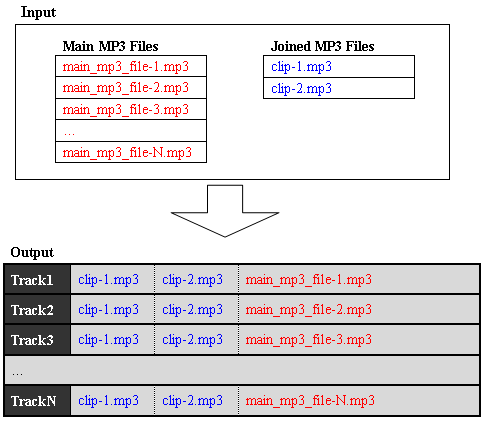
MP3 Splitter Joiner Pro supports batch
MP3 join. By the software, you can insert MP3 clips to beginning
of a batch of MP3 files easily. The joining operation is illustrated by chart
below.
Getting Stated:
- Free Download MP3 Splitter Joiner Pro
- Launch MP3 Splitter Joiner Pro
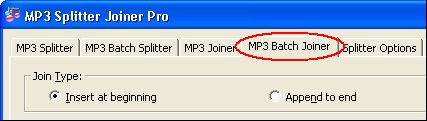
- Click tab "MP3 Batch Joiner"
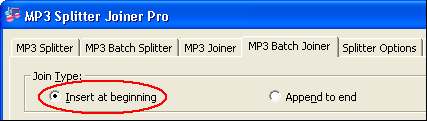
- Click "Insert at beginning"
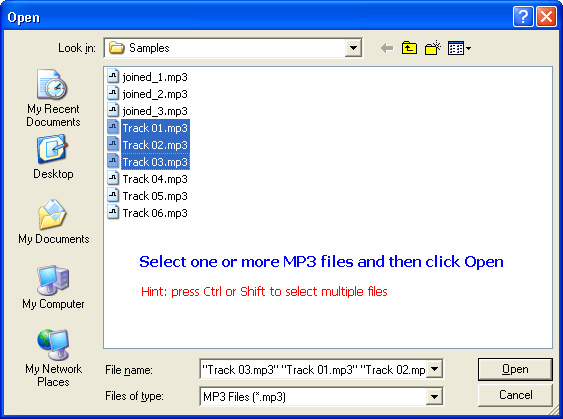
- Choose main MP3 files
Click "Add Files" at right of "Main MP3 Files List"

Select one or more MP3 files (press Ctrl or Shift to select multiple files) and
then click Open.
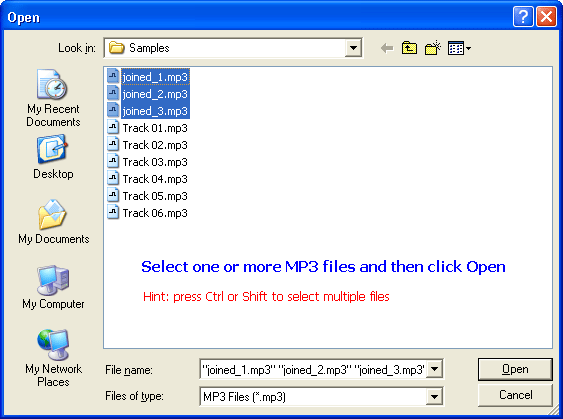
- Choose joined MP3 files
Click "Add Files" at right of "Joined MP3 Files List"

Select one or more MP3 files (press Ctrl or Shift to select multiple files) and
then click Open.
- Join
Click "Join Now!"
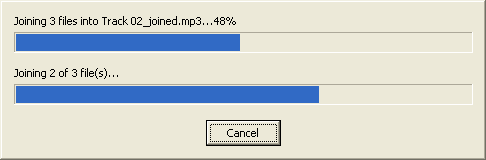
The software is joining MP3 files in batch.
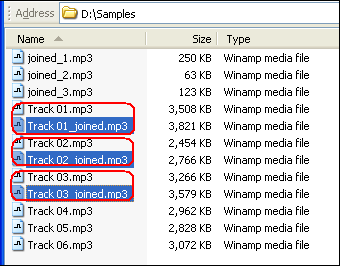
Outputted MP3 files
Top
|